
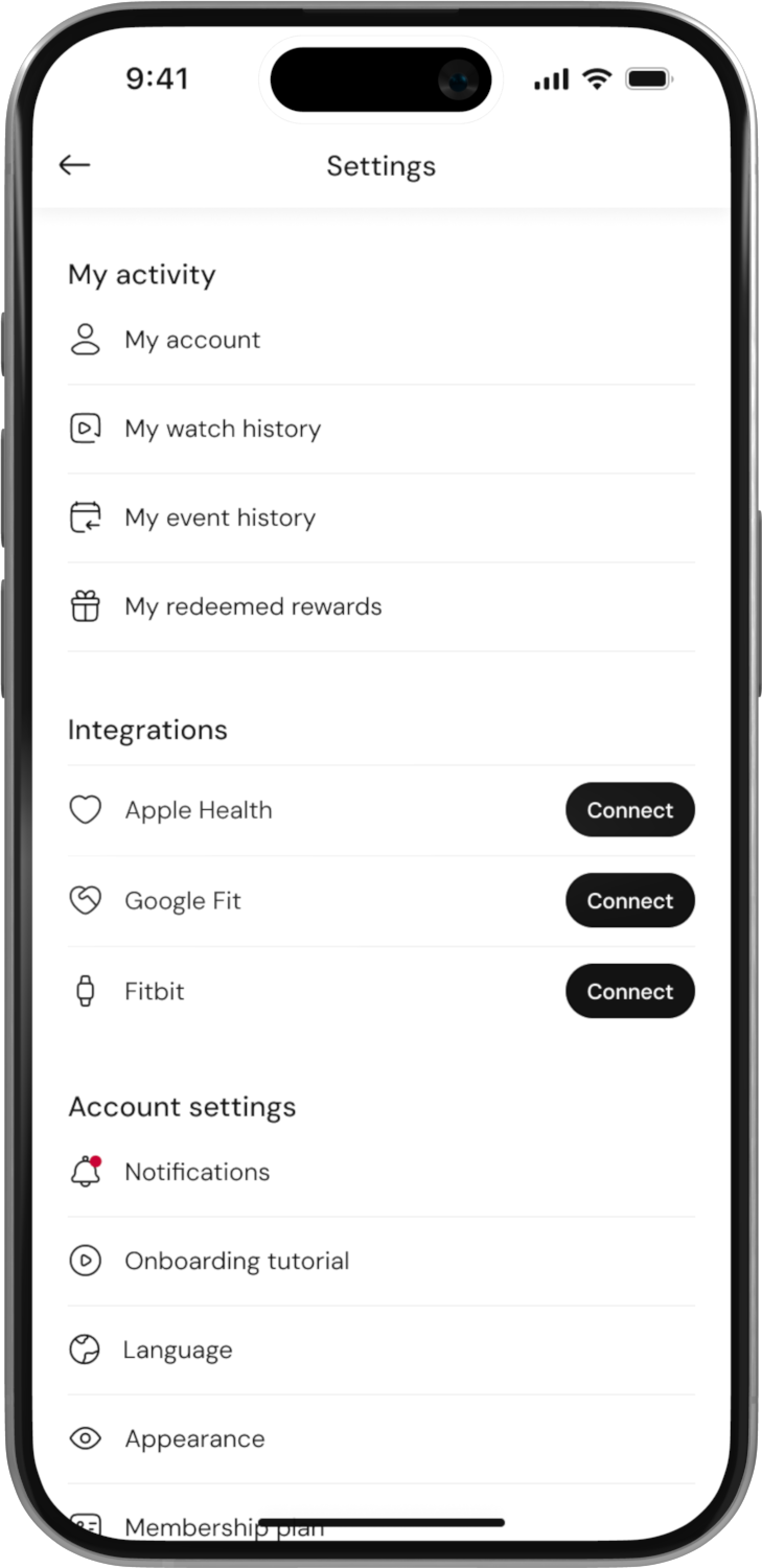
Redeem rewards and see redeemed rewrds

How to redeem rewards:
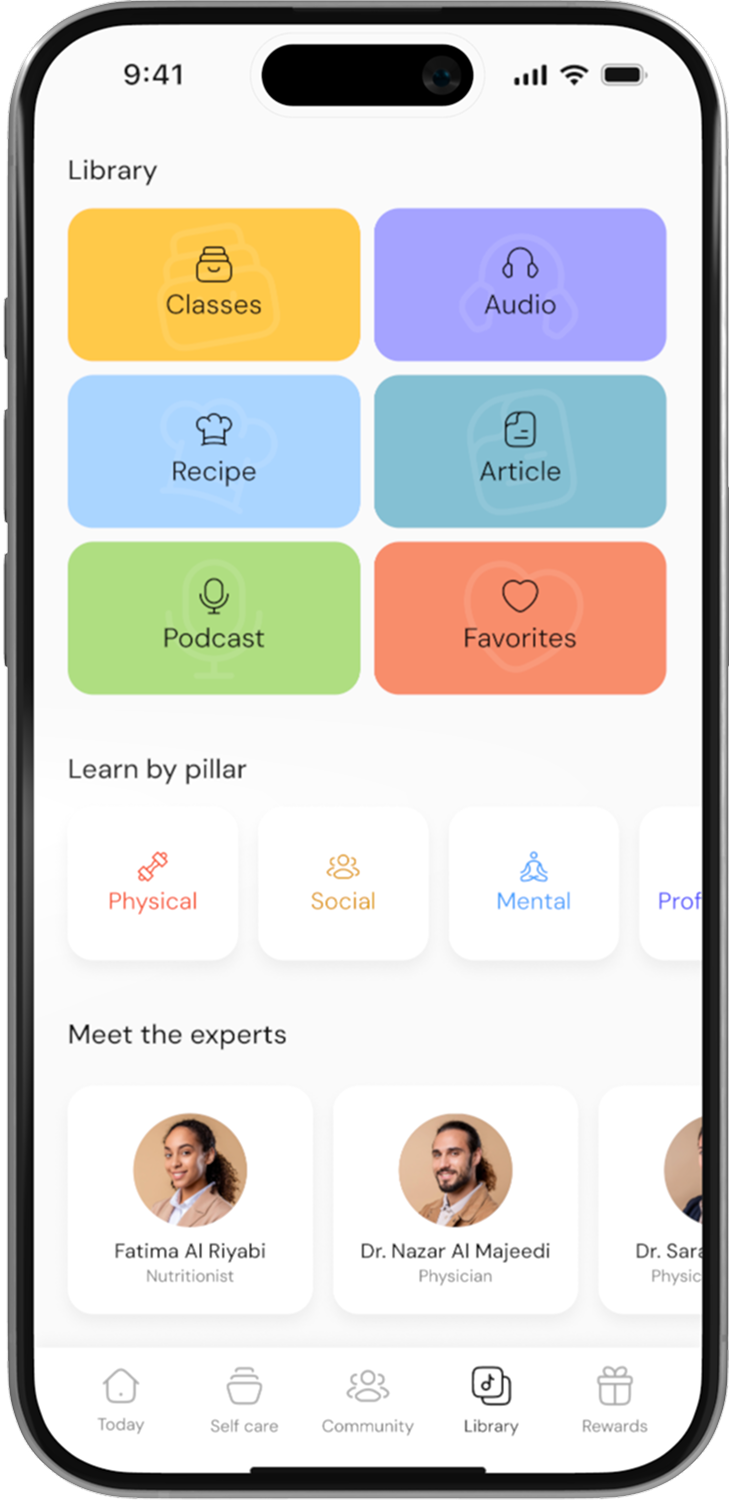
Step 1: Access the Rewards Page
Open the app and go to the Rewards section. You will see a list of available rewards that can be redeemed using your coins.
Step 2: Filter Rewards (Optional)
To make it easier, filter the rewards by Country and Category to find rewards that are available to you and in the category of your interest.

Step 3: View Reward Details
Click on any reward to see more details.
Check the terms and conditions of the reward, as well as the redemption instructions to understand how to claim it.
Step 4: Ensure You Have Enough Coins
Before redeeming, ensure that you have enough coins to cover the reward. The required coins will be listed on the reward page.
Step 5: Click “Redeem”
If you have enough coins, click on the Redeem button to proceed.
You will be asked to confirm your redemption.
For In-Store Rewards:
Step 6: Follow Redemption Instructions
After confirming the redemption, the app will provide redemption instructions for in-store rewards.
Go to the store and show the success screen (shown after confirming your redemption) at the counter.
Step 7: Complete the Transaction
The store staff will verify your success screen, and you can redeem your reward as instructed.
Note:
In-Store Rewards: The reward must be redeemed physically by showing the success screen at the store.
Voucher Code Rewards: You can use the code for online purchases when checking out on the retailer’s website.
