
Discover Content
How to Discover and Consume Content
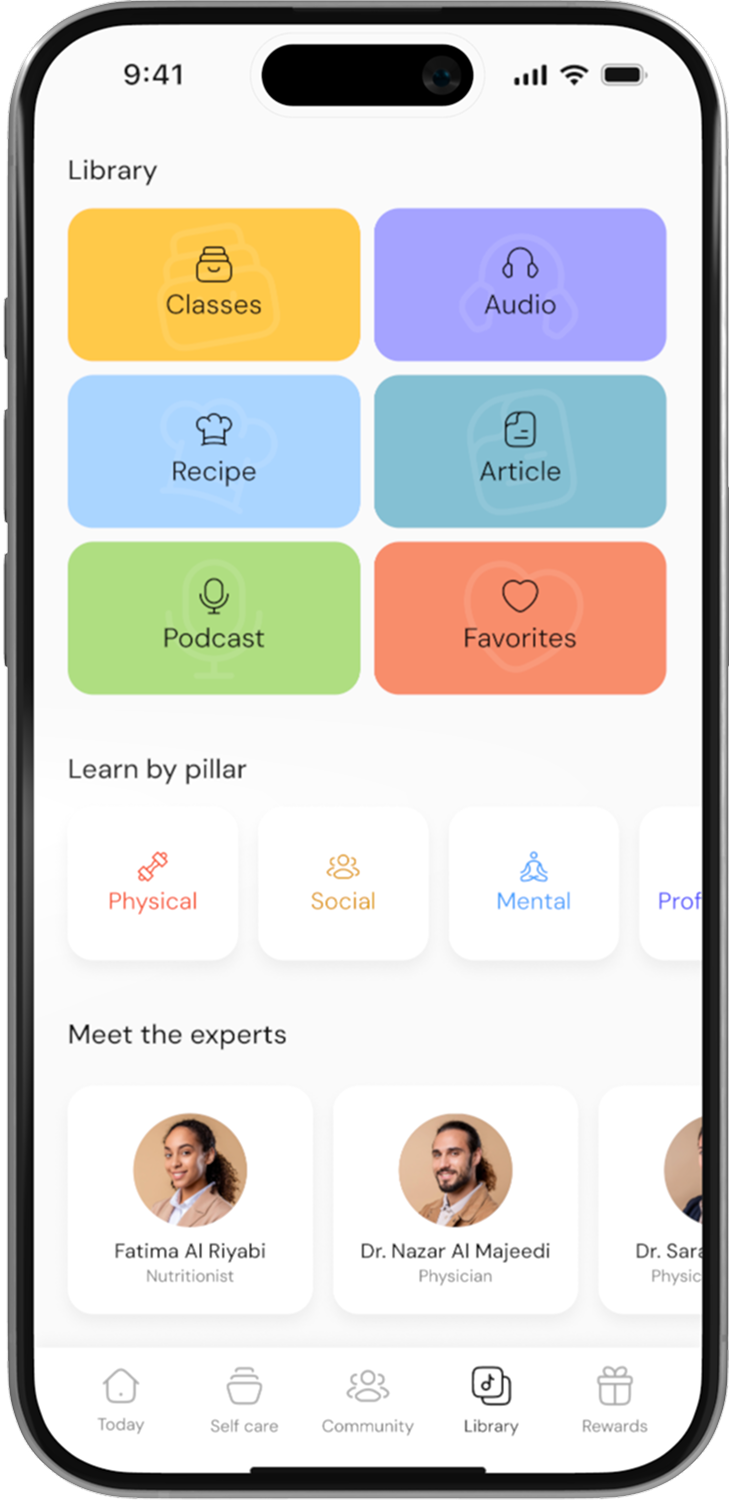
Go to the Library
Open the app and tap on Library.
Browse by Pillar or Format
Choose to browse content either by Pillar (e.g., physical, mental, etc.) or Format (e.g., classes, audio, etc.).

Filter Your Content
If you choose Pillar, you can further filter by Format (e.g., class, audio).
If you choose Format, you can filter by Pillar and Subject.

Select Content to Play
Click on the content you want to explore and press Play.
Control Playback
While playing, you can forward/backward, enable subtitles, or adjust the play speed as needed.
Continue Watching Later
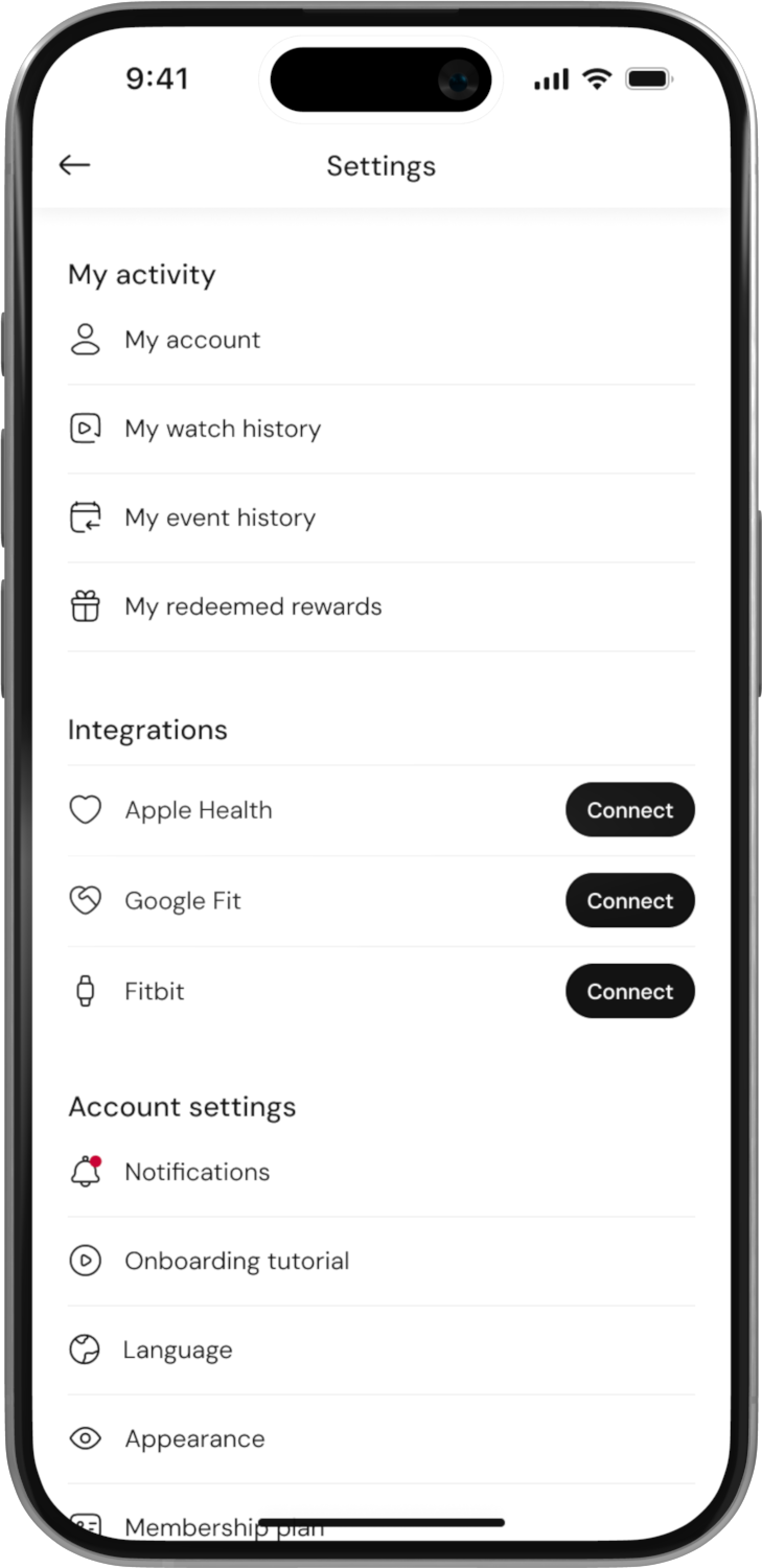
If you haven’t finished, you can always pick up where you left off from the Library or visit My Watch History in your Account to resume.
