
Create account and add access code

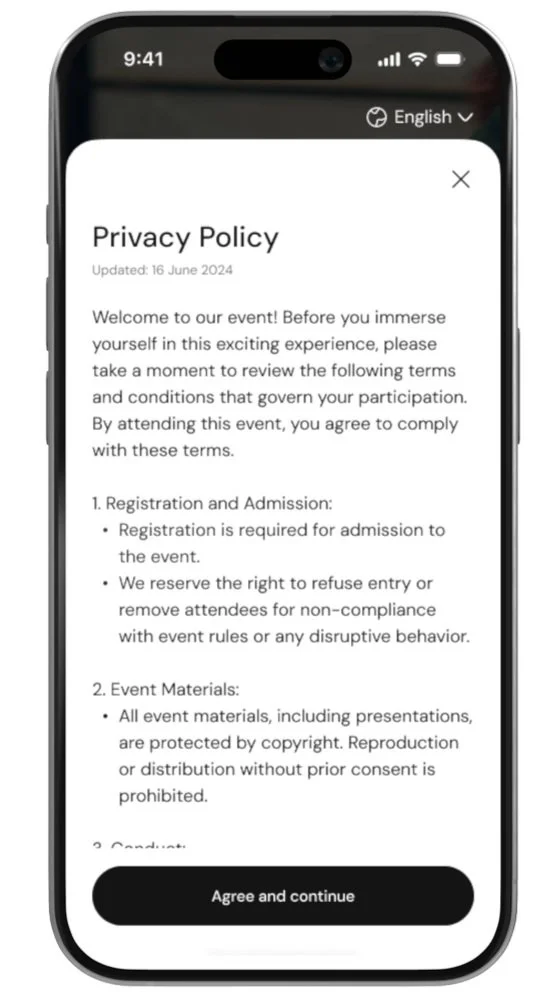
Accept Privacy & Terms
When you open the app, review and accept the Privacy Policy and Terms & Conditions to proceed.
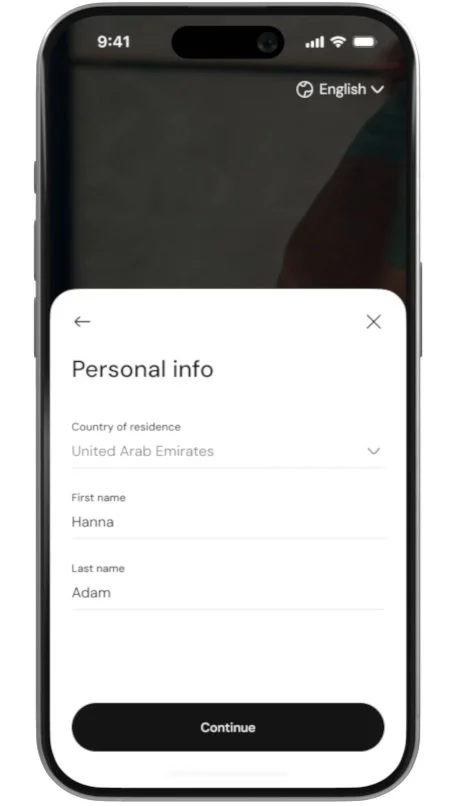
Enter Your First and Last Name
Fill in your first name and last name to personalize your account.
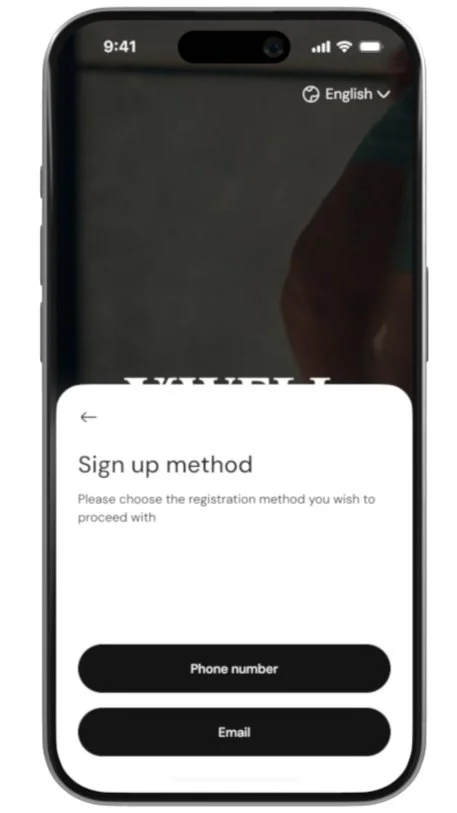
Choose Your Account Method
Select whether you want to register using your phone number or email address.

Enter Your Details and Verify
Enter your phone number or email, and then verify it by entering the OTP (One-Time Password) sent to your chosen method.
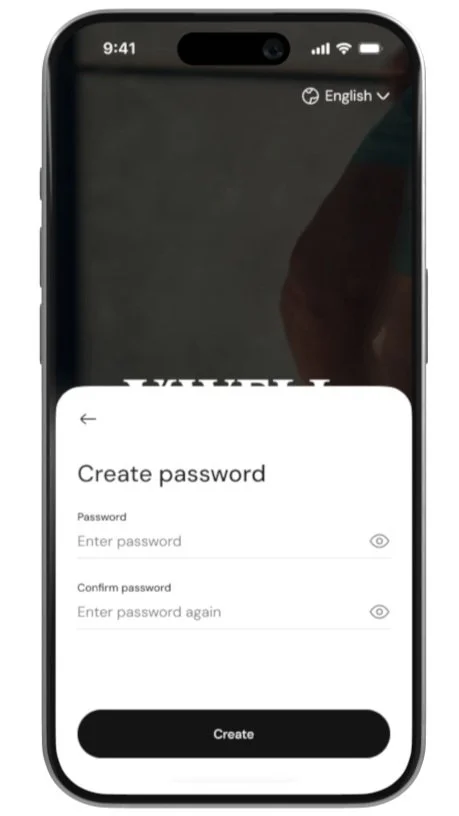
Set Your Password
Create a secure password to protect your account
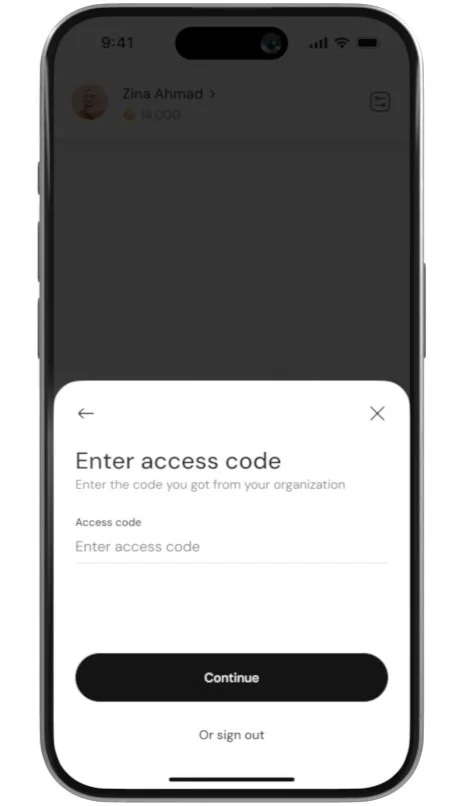
Enter the Access Code
After your account is created, you’ll be prompted to enter the access code provided by your organization’s admin to unlock all app features.
