
Check in and see history

How to Check-in on Your Mood
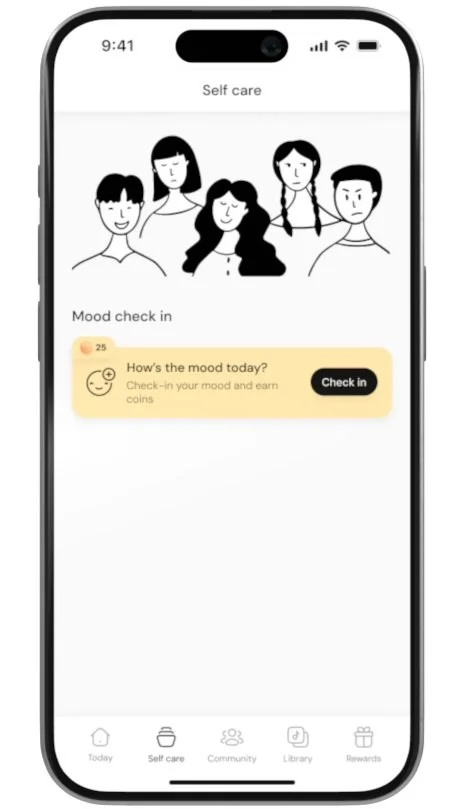
Click on the Mood Check-in Button
Open the app and click on the Check-in button to start logging your mood.
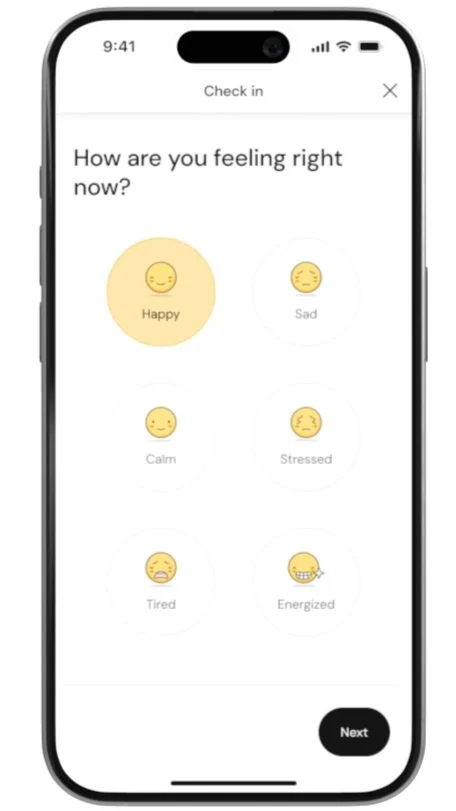
Select Your Mood
Choose how you’re feeling from the available mood options.
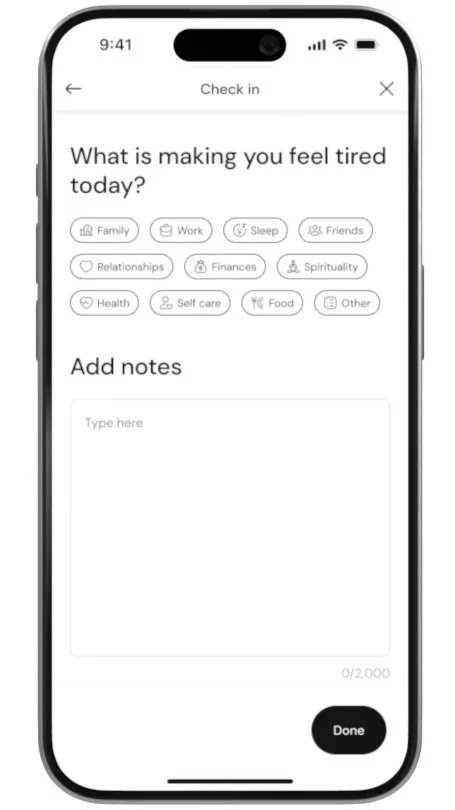
Add Tags and Notes (Optional)
Optionally, add tags to describe what’s influencing your mood and jot down any notes or thoughts.
Submit Your Check-in
After selecting your mood and adding tags or notes, click Submit to log your check-in.
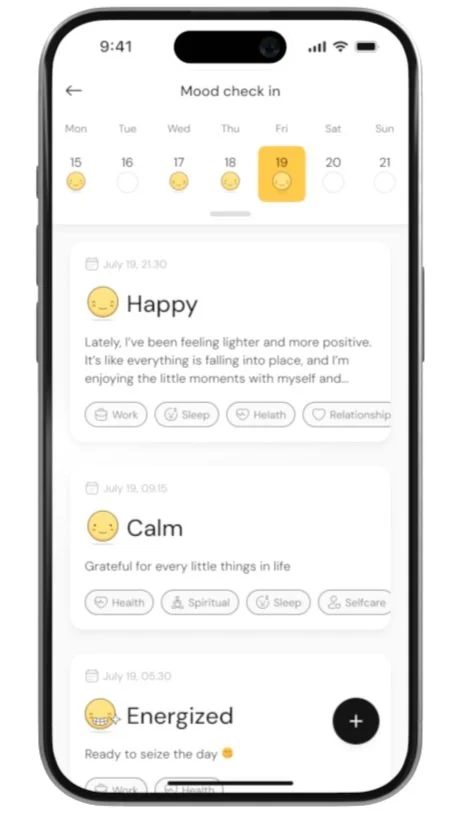
Check-in Multiple Times a Day
You can check in as many times as needed throughout the day to track changes in your mood.
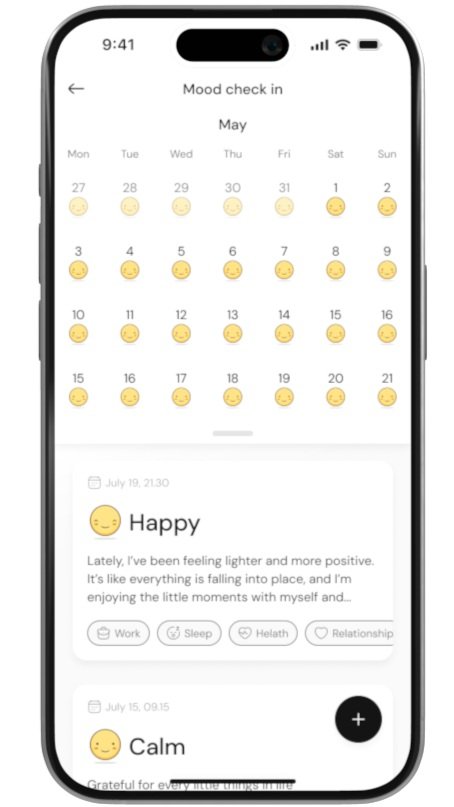
View Past Check-ins
Pull down the calendar to review your check-ins from previous days and see mood trends over time.
