
Find and join event then see events

How to Find and Join an Event
Go to the Community
Open the app and navigate to the Community page.
Click on the Events Tab
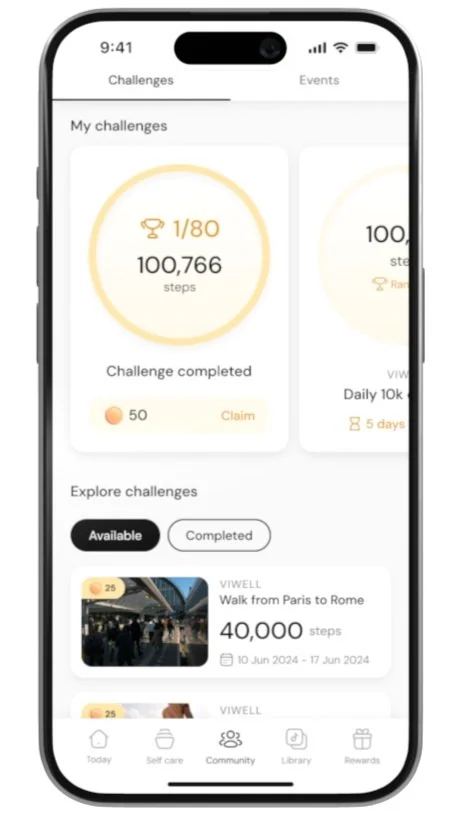
Tap on the Events tab to view a list of available events.
Browse the Available Events
Scroll through the list of events to see what’s available.
Click on an Event to View Details
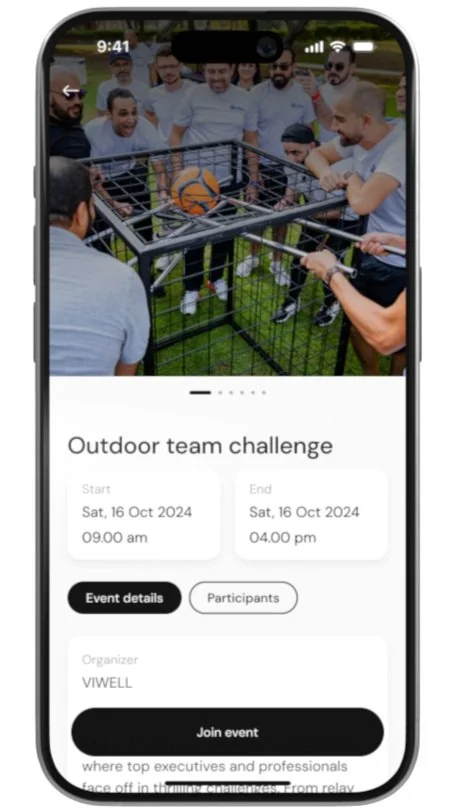
Tap on any event you’re interested in to view its full details.

Click on Join
If you’d like to participate, click on the Join button to sign up for the event.
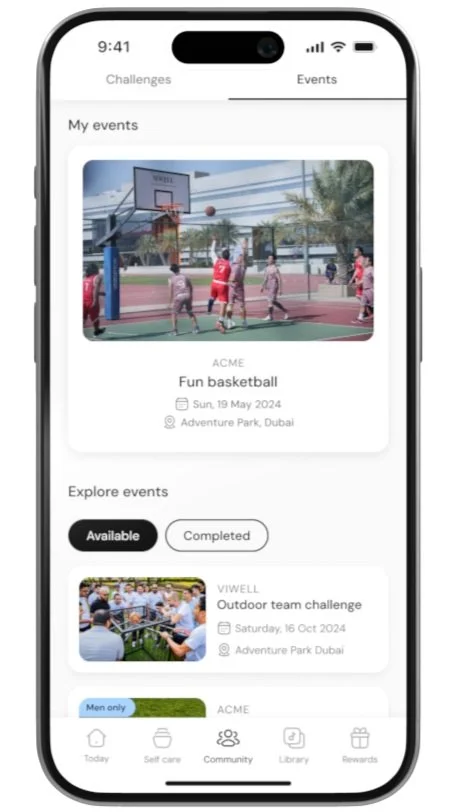
View Event under My Events
Once joined, the event will appear under the My Events section at the top of your community page.
