
Reset password
How to Reset Your Password
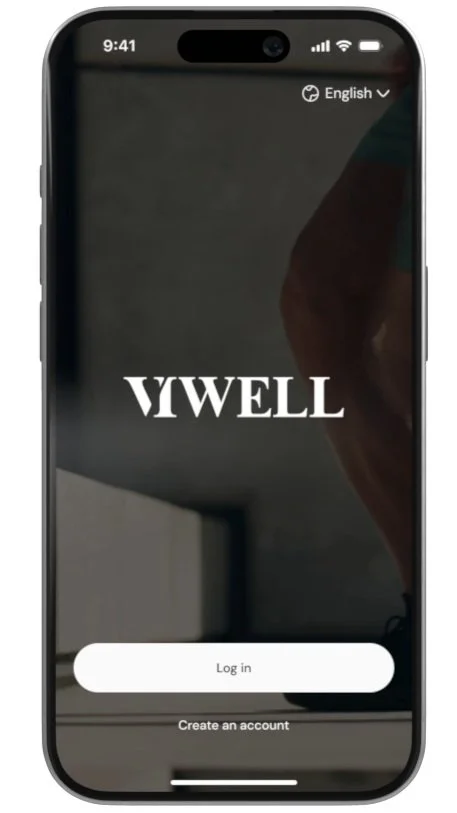
Click on Login
Open the app and tap on Login.
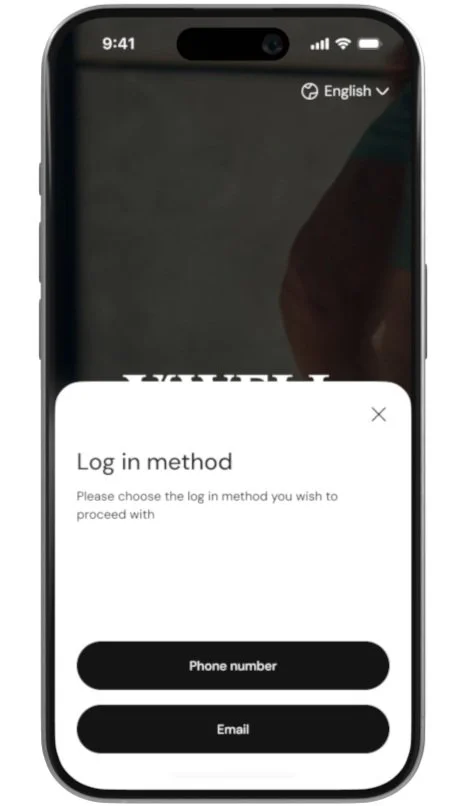
Choose Your Login Method
Select whether you want to log in with Email or Phone Number.
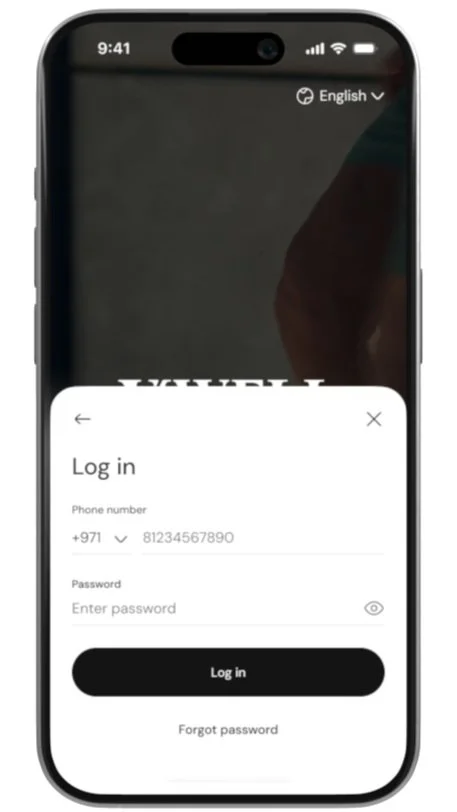
Click on Forgot Password
Tap on the Forgot Password? link on the login screen.
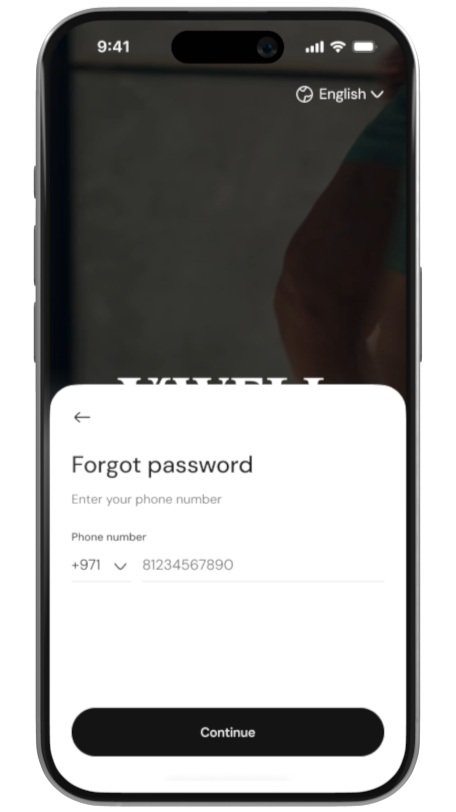
Enter Your Email or Phone Number
Provide the email address or phone number associated with your account.
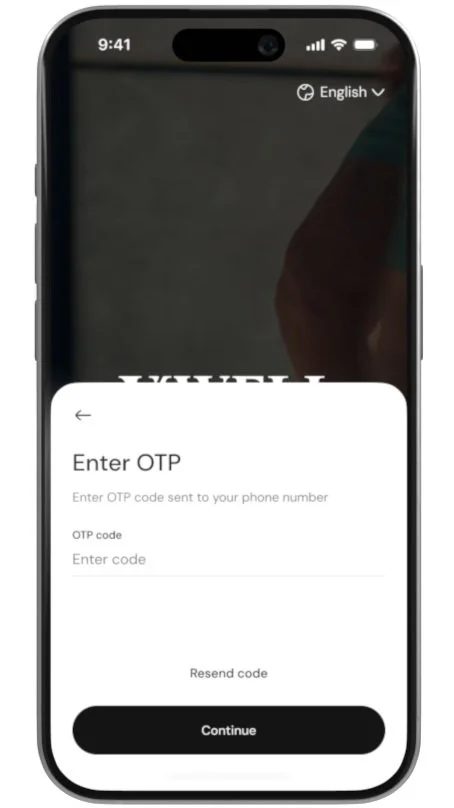
Enter OTP
You will receive an OTP (One-Time Password) on your email or phone. Enter it to verify your identity.
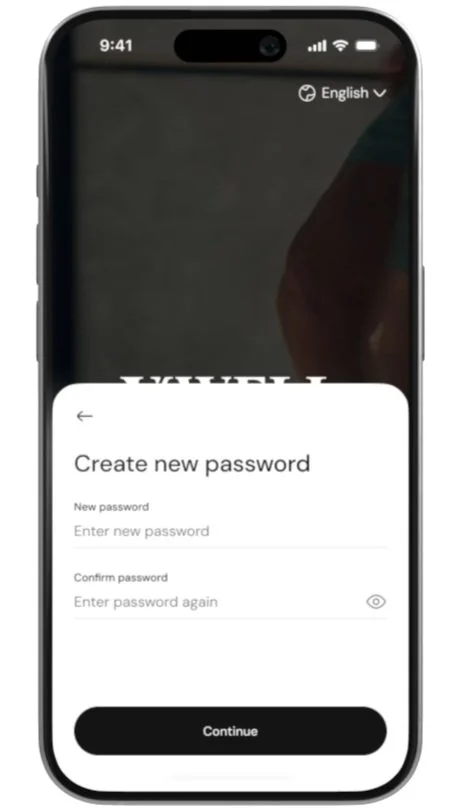
Create a New Password
Once verified, create a new password for your account.
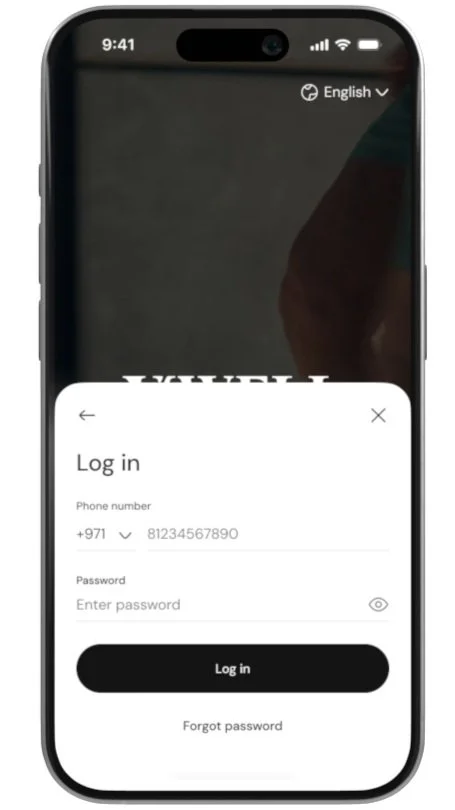
Log in with New Credentials
After resetting your password, log in using your new password.
