
How to Download Well-being Resources

Download valuable well-being resources to share with your employees and keep them engaged. These resources can include toolkits, recipes, quizzes, and more.
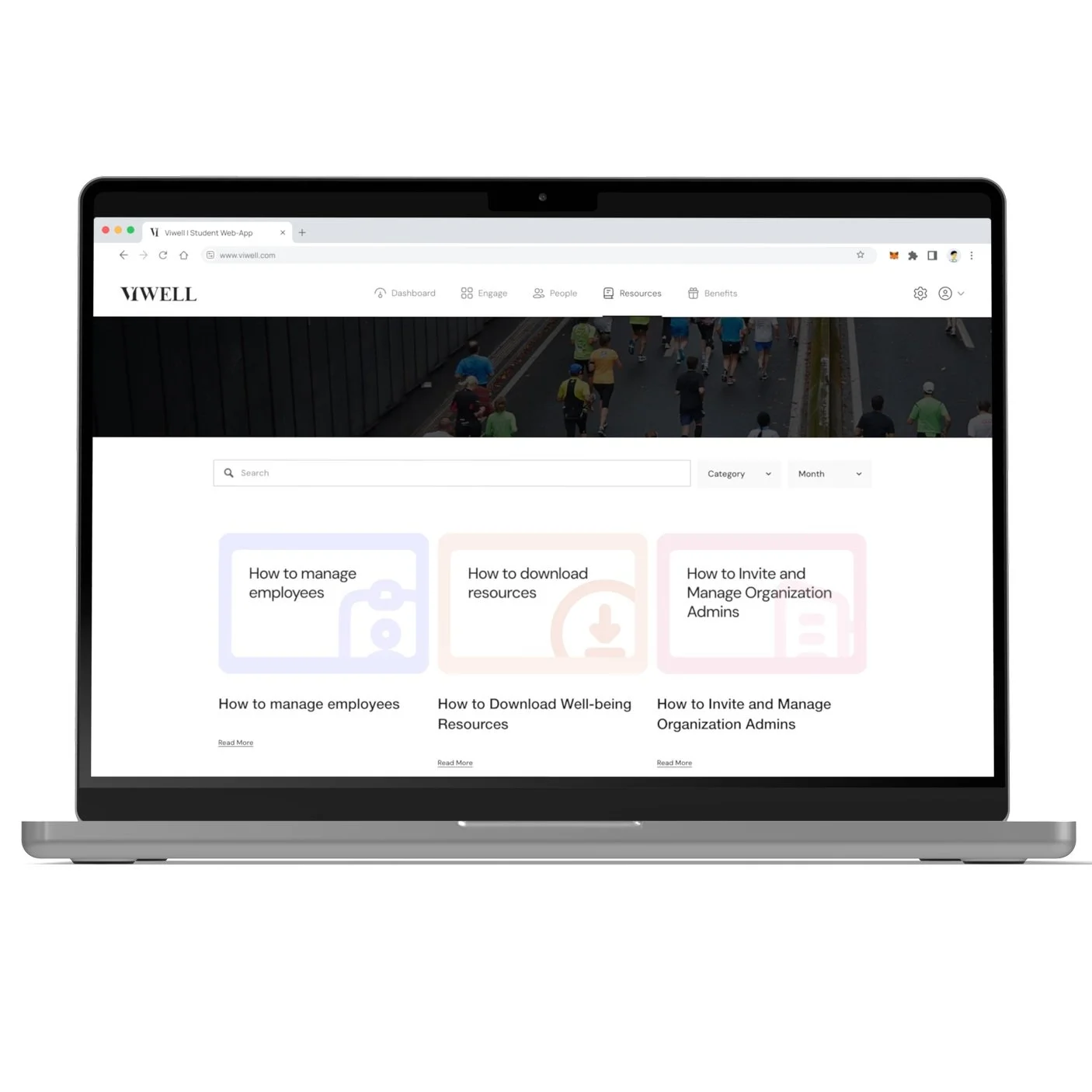
Step 1
Go to Resources
Navigate to Resources in the dashboard.
Step 2
Filter by Month and Type
Use the filters to sort resources by month and type (e.g., toolkits, recipes, quizzes).
Step 3
Click on Resource to View
Click on any resource to view more details about it.
Step 4
Click on Download
Once you’re viewing the resource, click Download to save it to your device.
