
How to invite employees to join the VIWELL app

Invite your employees to register and access the VIWELL app by sharing your organization’s access code. They can register using their email address or phone number and enter the access code to start enjoying the app’s features.
Step 1
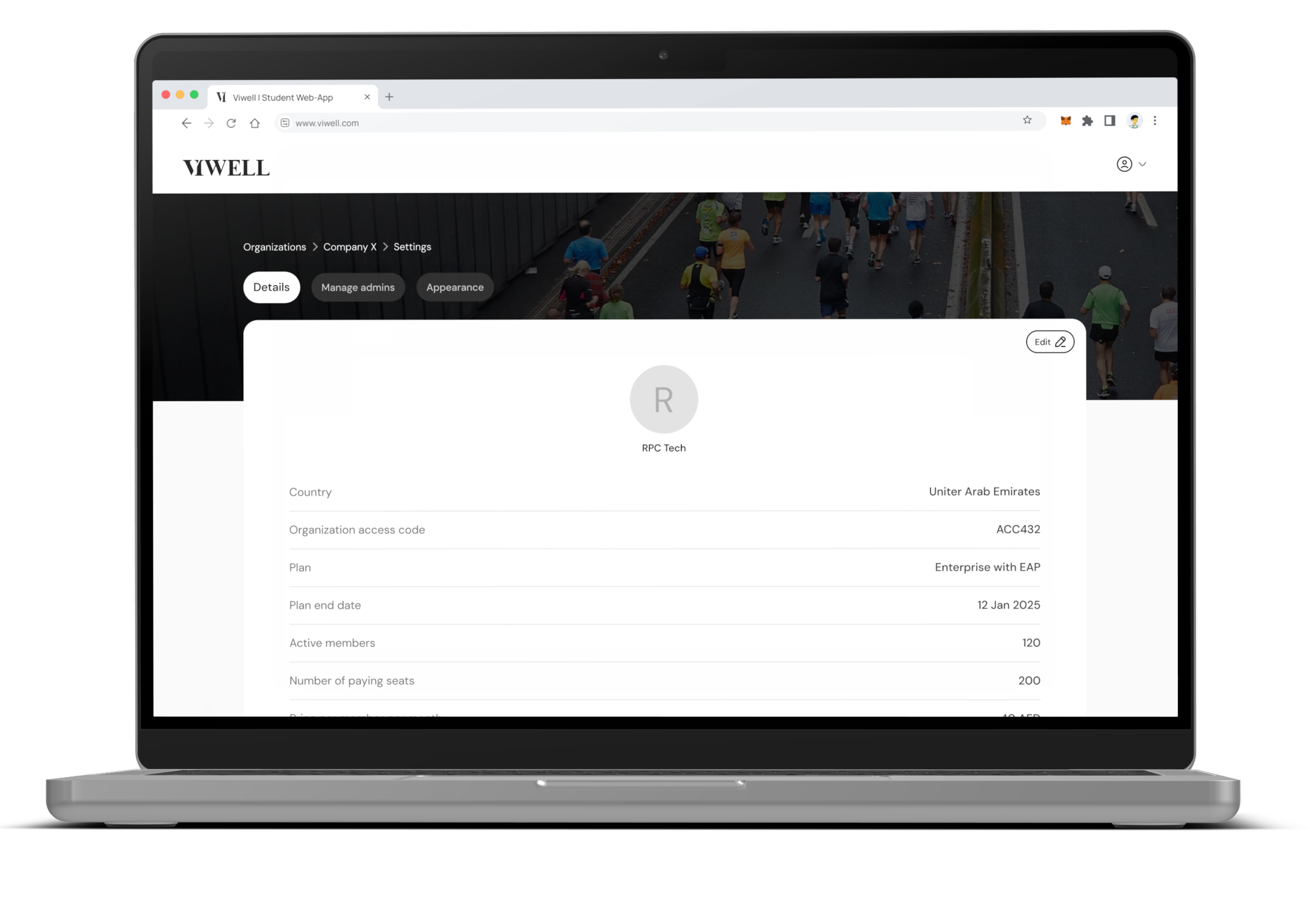
Go to Org settings
Click on the Org settings icon at the top right and navigate to the Details tab.
Step 2
Copy the Org access code
Copy the organization’s unique access code. (You can also edit the code if needed.)
Step 3
Share the access code
Distribute the access code with your employees through your preferred communication channels.
Step 4
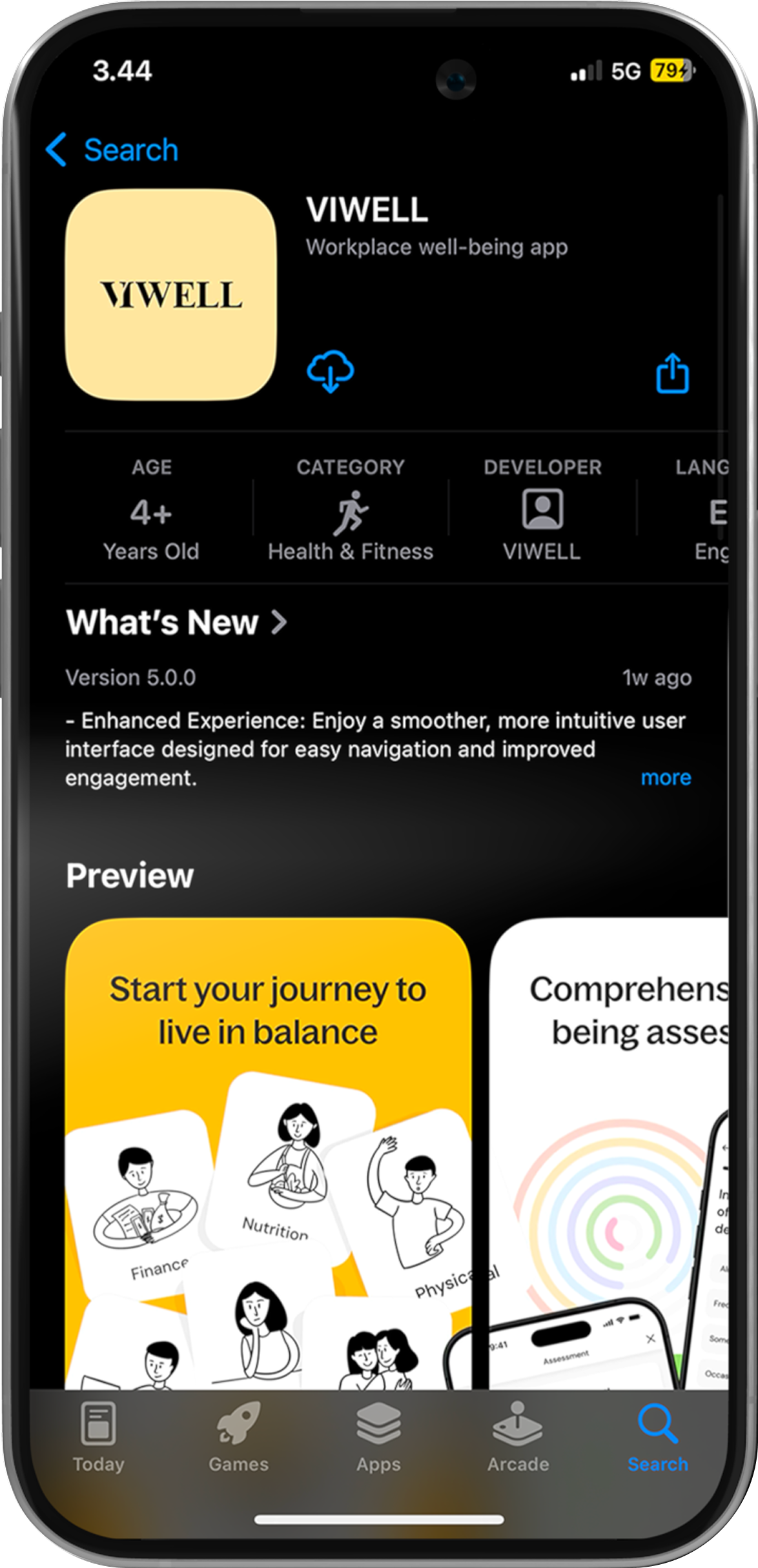
Employees download the app
Employees can download the VIWELL app from the App Store or Google Play and click on Create Account.
Step 5
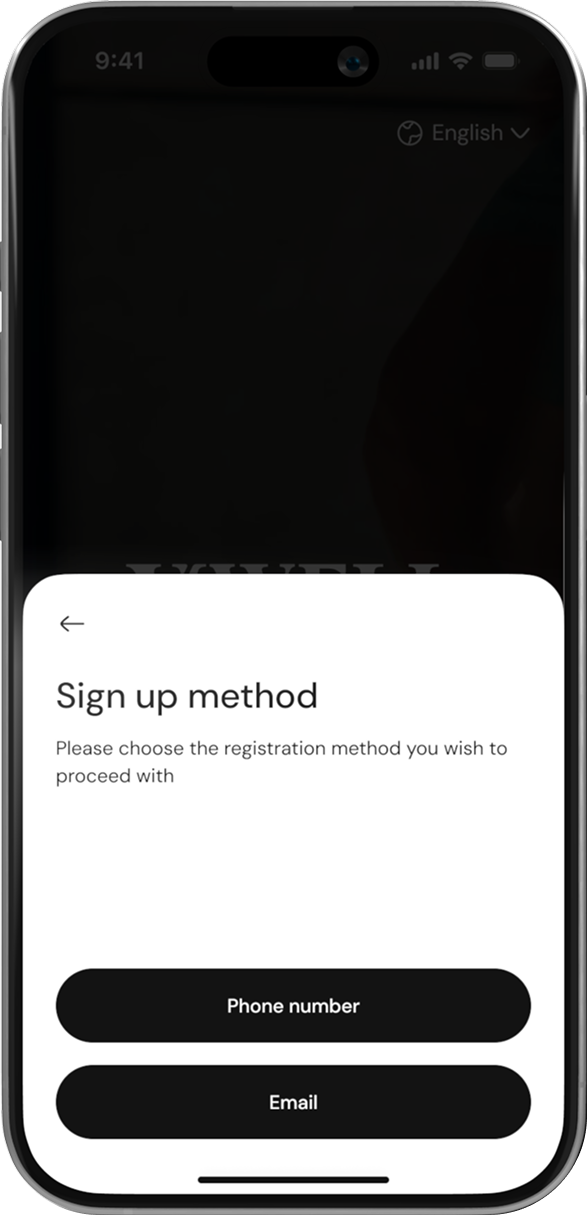
Choose the preferred registration method
Employees can select either email address or phone number to create their account.
Step 6
Choose the Event Language
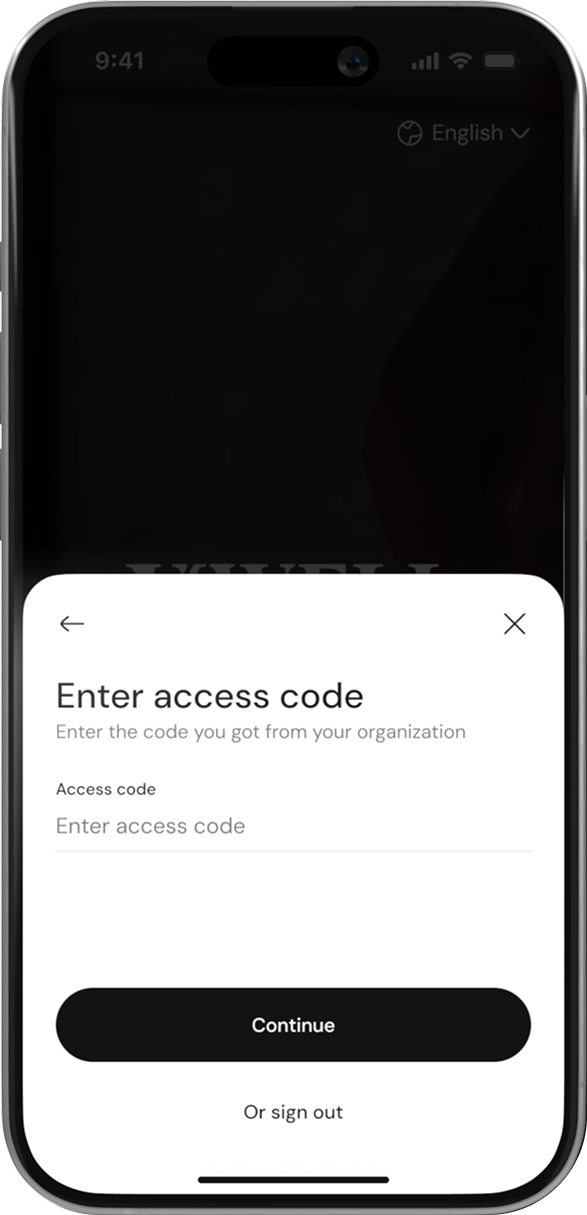
Employees will need to enter the access code you shared in order to access the app’s features.
